
This article applies only to customers using the AbodePay payment solution. If you are using a different payment provider, some steps or settings described here may not apply to your account.
Instead of processing payments one booking at a time, you can charge multiple guests at once using the Guest Balances feature.
1. Navigate to Bookings > Guest Balances.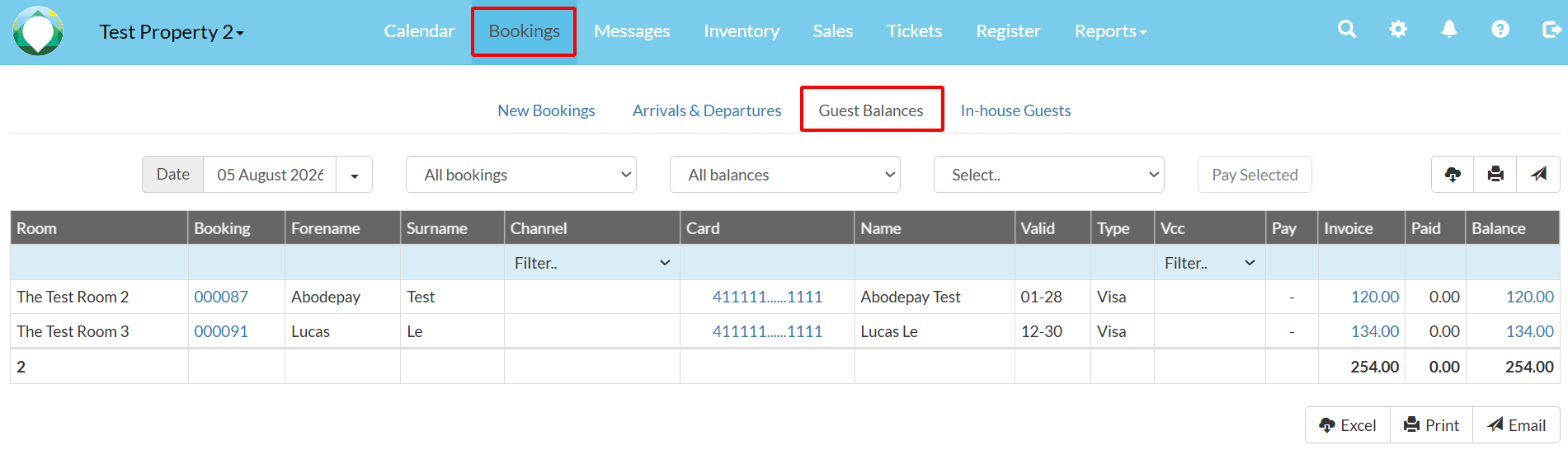
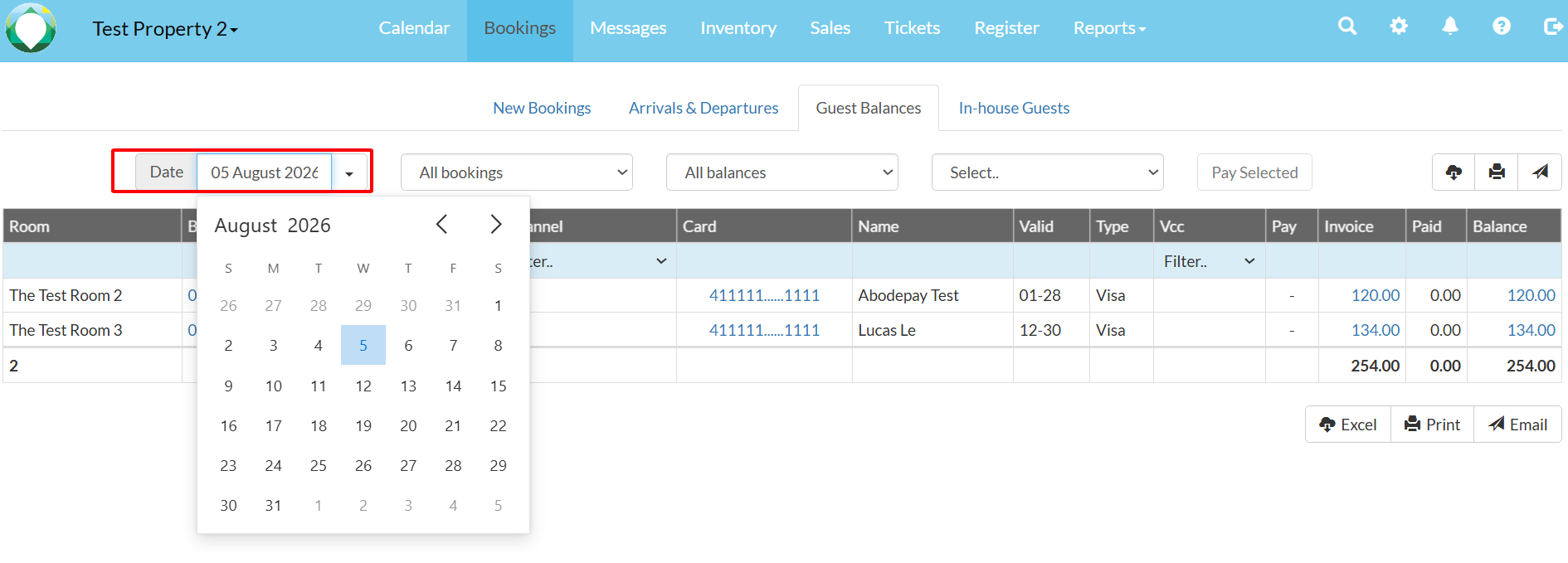
2. Select the date you wish to process (e.g., today's date). The page displays all bookings with outstanding balances and saved card details.
3. Click the Pay Selected button (labelled "AbodePay Pay Selected") to bulk-process all listed transactions.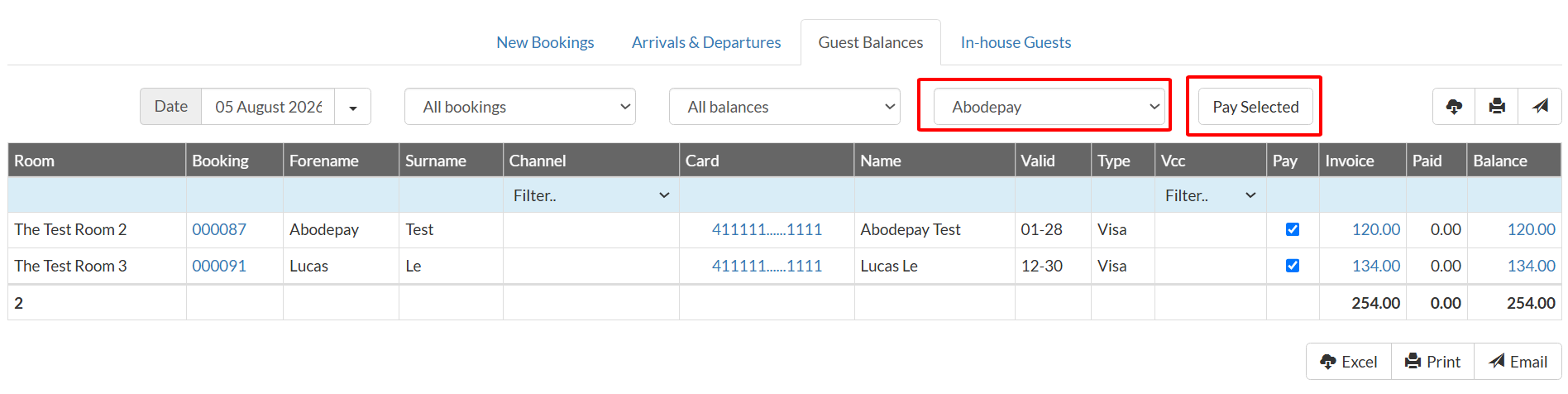
Note: The Transactions tab updates in near real-time (within 5–10 seconds), so you can verify all bulk payments immediately after processing.