
This article applies only to customers using the AbodePay payment solution. If you are using a different payment provider, some steps or settings described here may not apply to your account.
Once you have signed up and provided the required documentation (such as a driver's licence and utility bills), we will notify you when your AbodePay account is active on your Abode PMS.
To verify your account is set up correctly:
- Log into your Abode PMS.
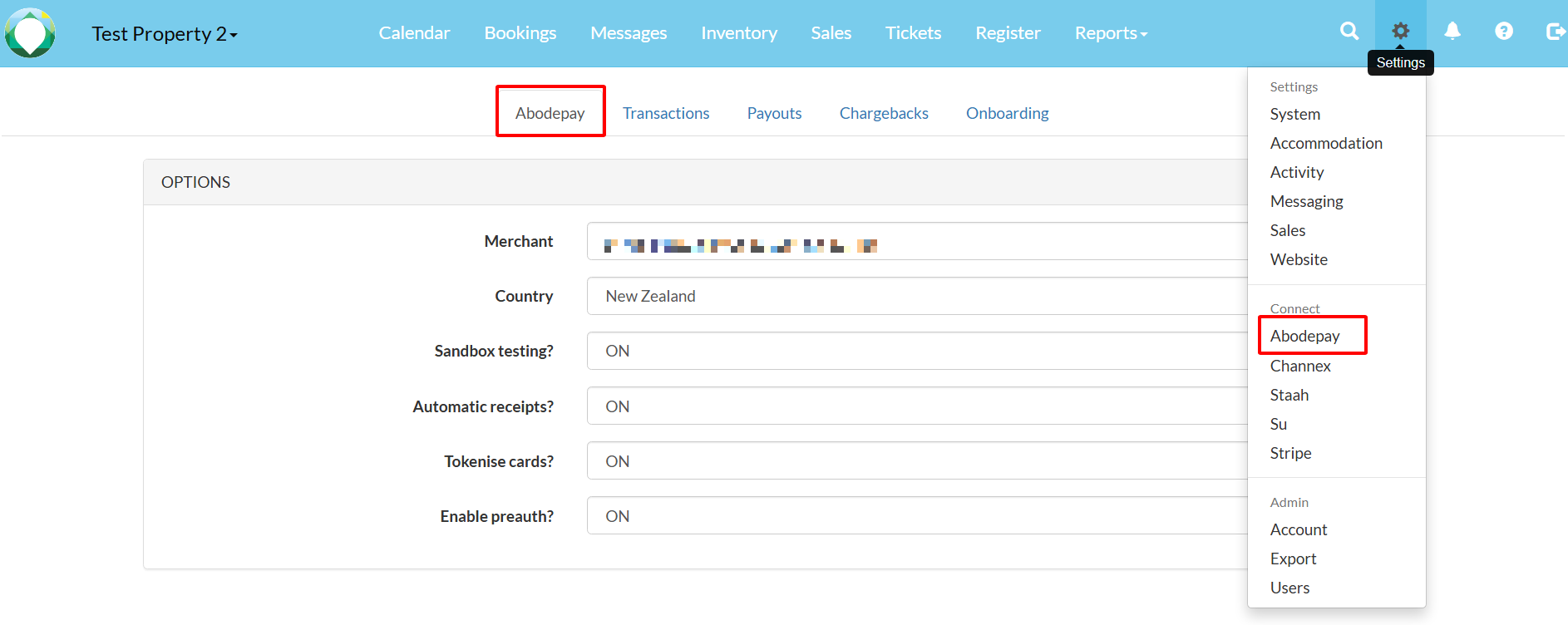
- Navigate to Settings → AbodePay.
- Check that your Merchant ID is displayed. If this field is blank, or you see a different page, your merchant account may not yet be activated — please contact your AbodePay representative.
Tip: After receiving notification that your merchant account is live, it may take up to one business day for the settings to appear on your Abode PMS. If the page remains blank after that, contact your AbodePay representative.