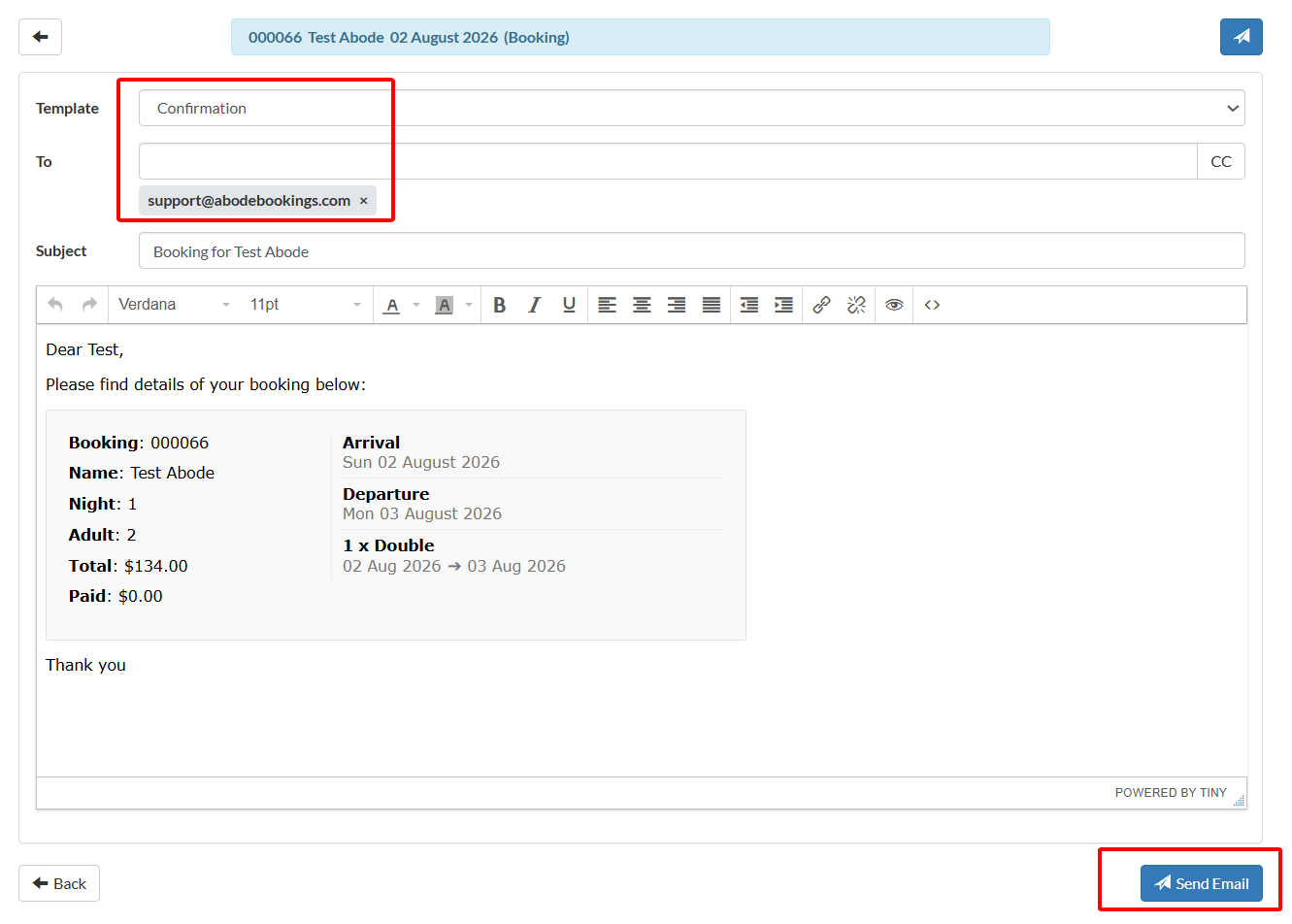
To confirm a booking you first change the booking status, and then email the guest with the confirmation.
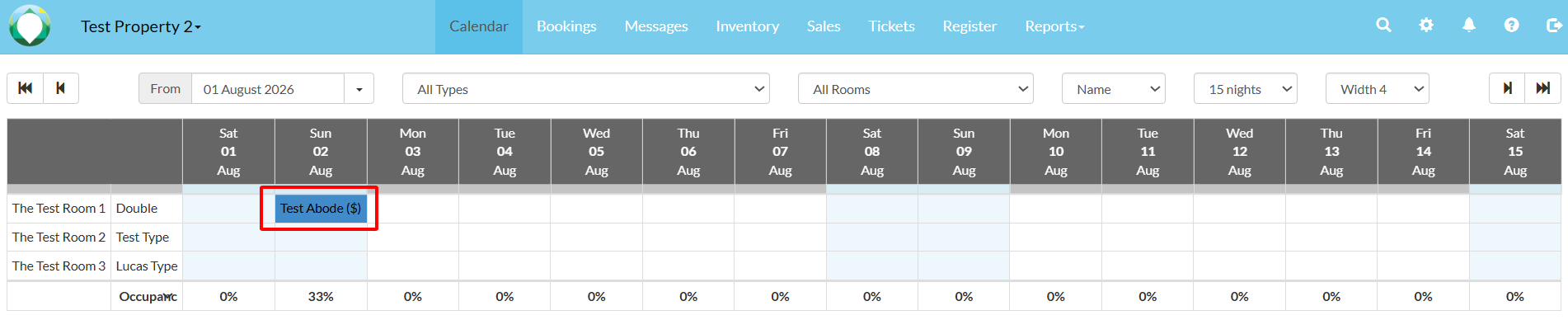
- Select the booking in the calendar.
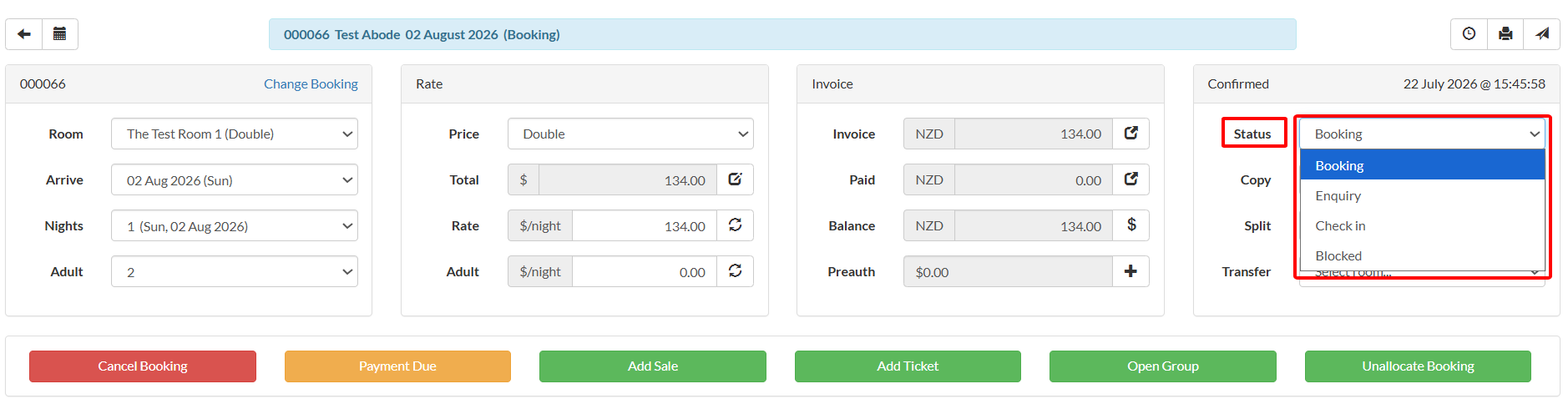
- The booking will open. Change the status to 'Booking'.
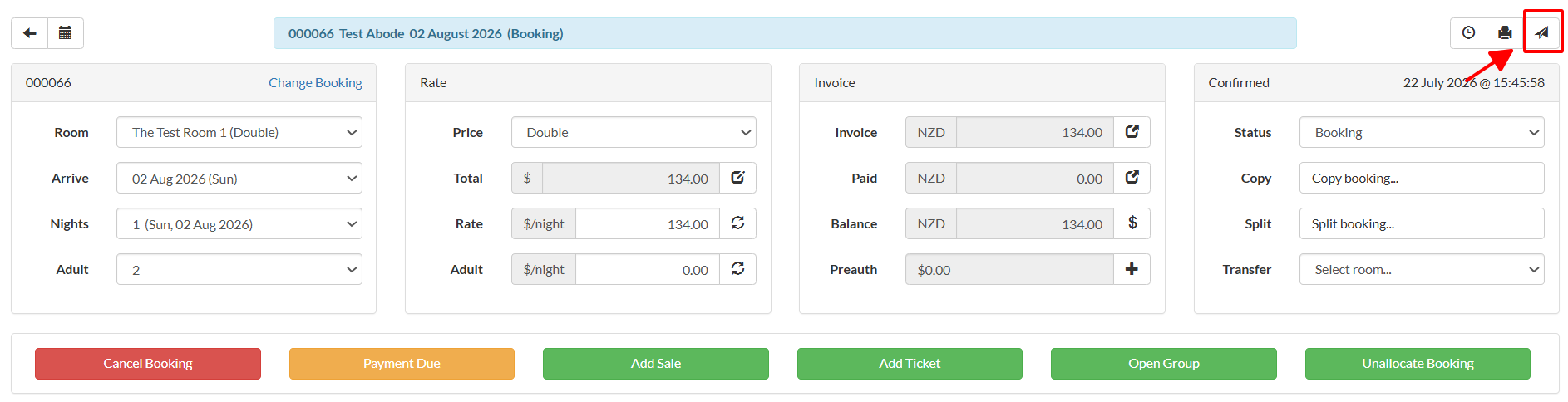
- Select 'Email'
- Ensure the 'Confirmation' template is selected, and their email address is correct. Select 'Send Email' at the bottom right. Additionally, you can choose other email templates if you need to send further information to the guest.