
The "Guest Count" report lets you show the amount of guests to a given period of time.
1. To see the "Guest Count" report, navigate to Reports > Guest Count.
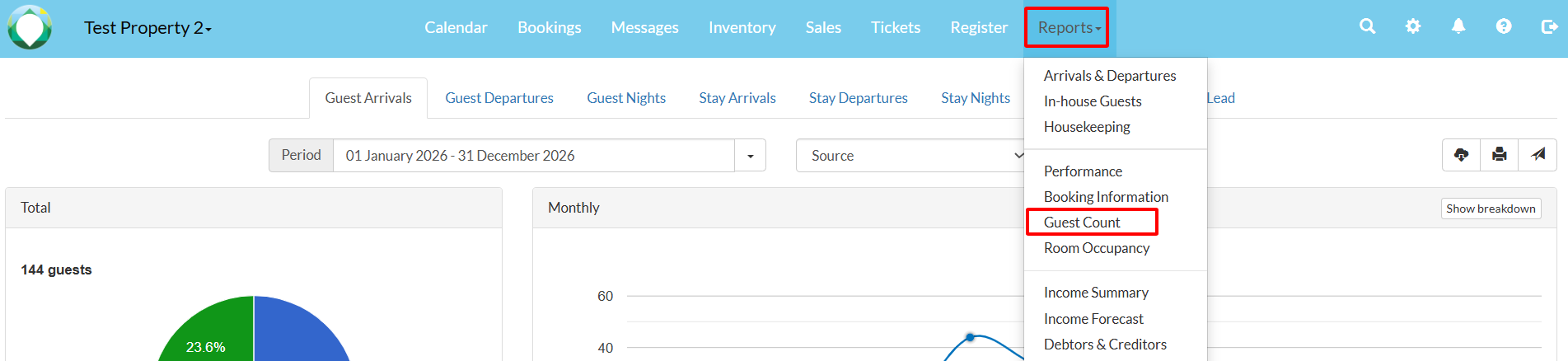
2. You can choose between eight different scenarios of counting your guests:
- Guest Arrivals
- Guest Departures
- Guest Nights
- Stay Arrivals
- Stay Departures
- Stay Nights
- Average Length Of Stay (LOS)
- Average Lead
3. You can choose to view the report in graph or table format, depending on your preference.
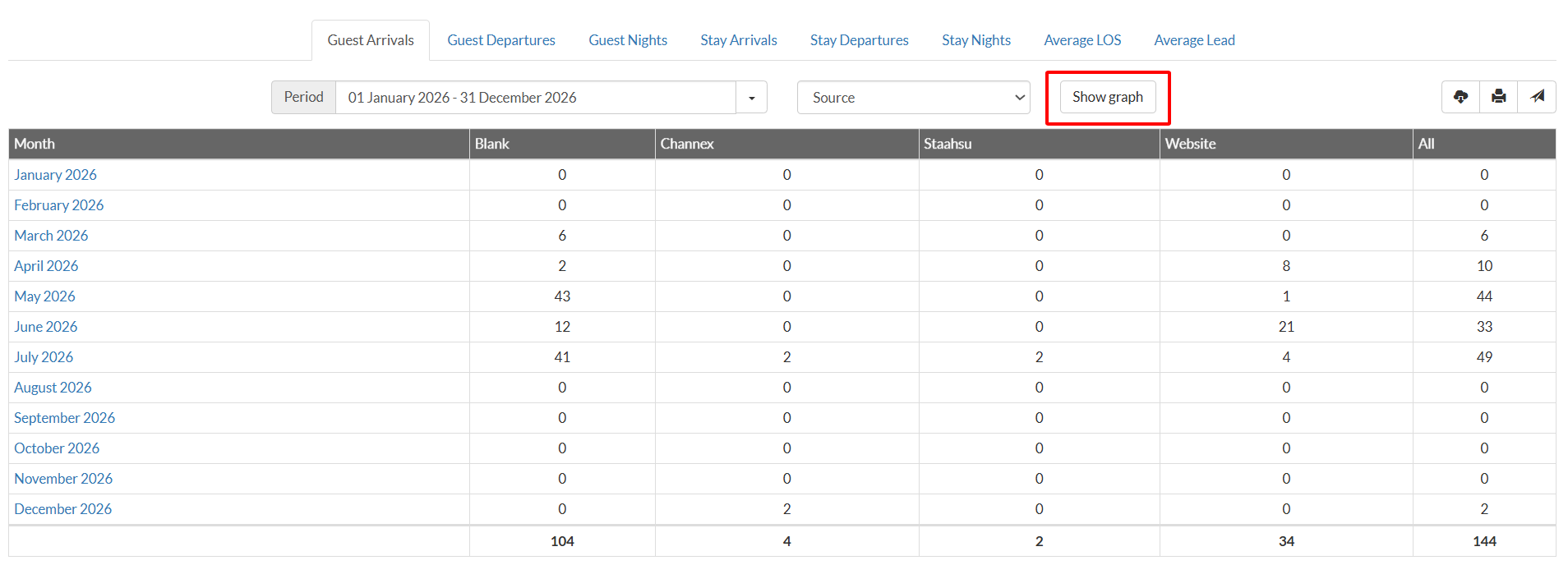
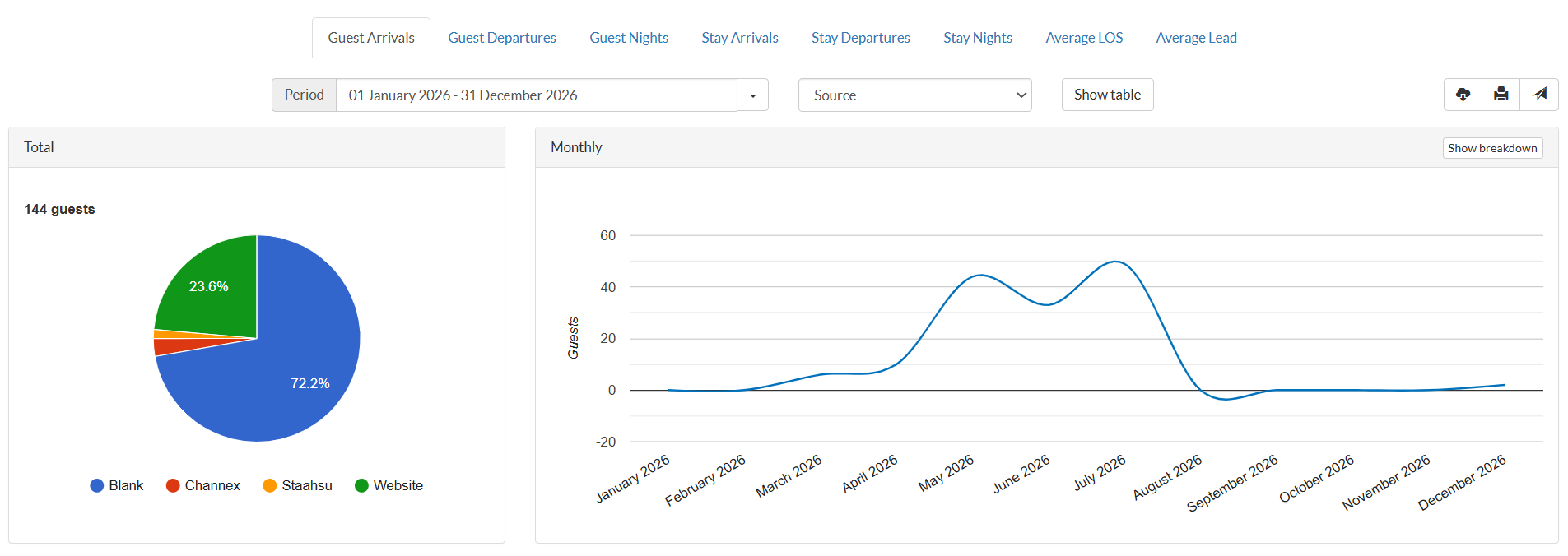
4. To export the guest count in an Excel file, print the list or send it as an email, use one of the corresponding buttons below the table.
