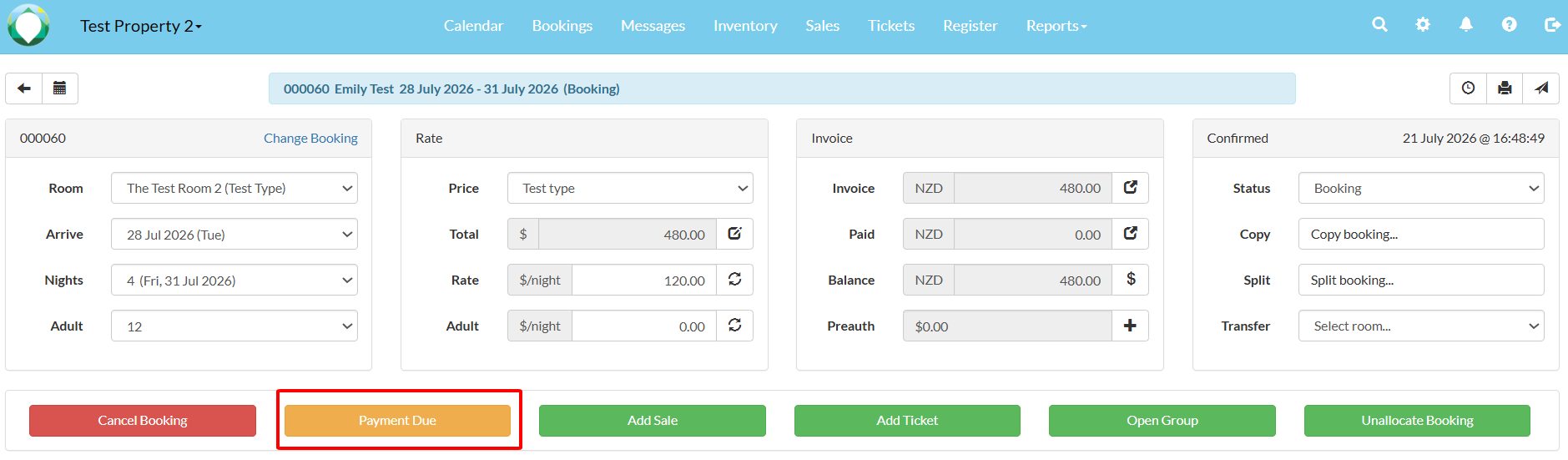
You can record payments using the "Payment Due" button on the booking page of a booking
The system will bring you to the payment page (full payment), where you can select the details of the payment.
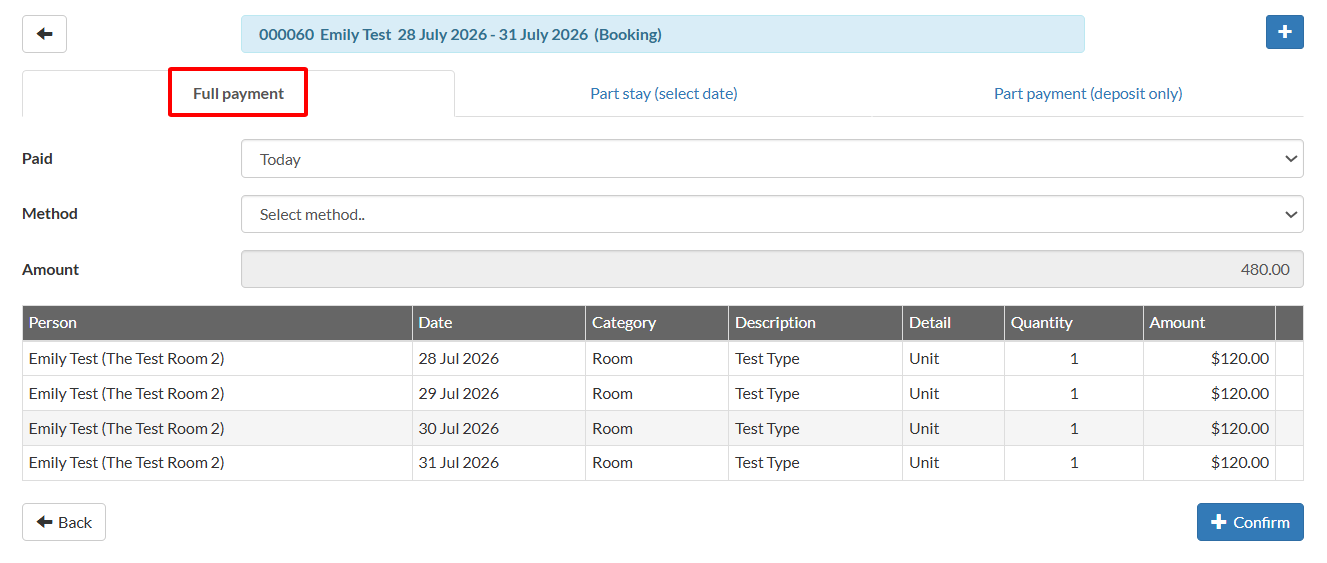
- Select the day when the payment was made.
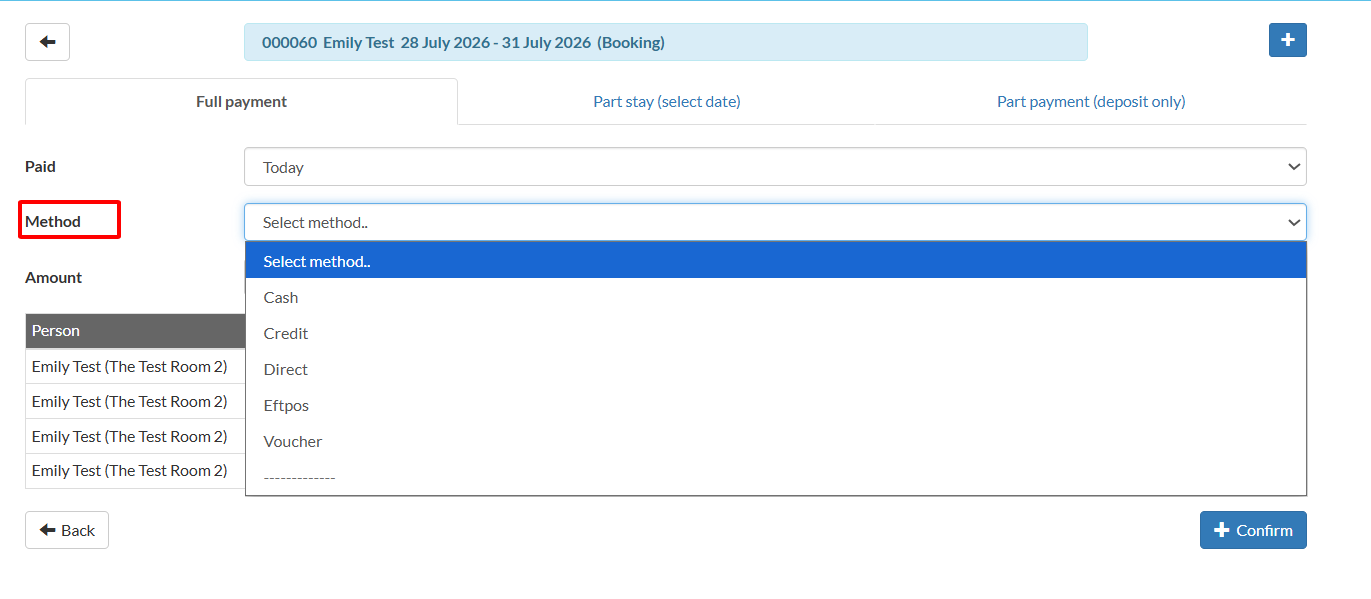
- Select the method of payment. Example: If you select "Credit", the system will ask you for the provider. If you select "Voucher", select the appropriate account.
- Assign a reference to the payment.
- Click Confirm after completing all the necessary information.
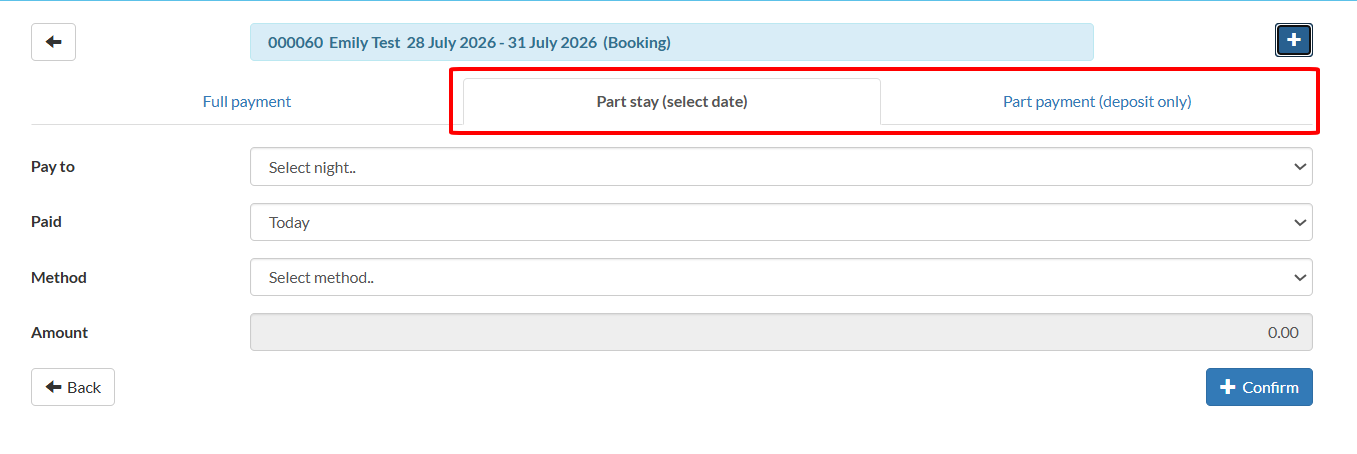
If you would like to process the payment for a part stay, or a part payment (deposit only), select the correct tab at the top and fill in the details accordingly.