
Unlike reinstating an individual booking, the system currently does not support a quick action to un-cancel a group booking.
1. Select 'Search' from the menu.
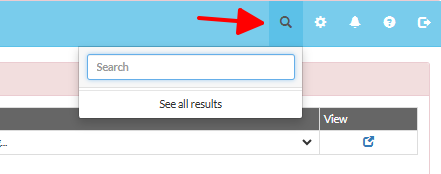
2. Enter as many details as you can, and select 'Yes' from the 'Cancelled?' field. A list of cancelled bookings matching your entered details will appear below.
3. As you can see, unlike an individual booking, the system does not provide any button that allows users to reinstate a group booking directly. The only available method is to reinstate each booking line individually.

4. Click into each booking line individually to perform the reinstate action as normal.

Note: The booking will become an "Unallocated" booking and will appear at the top of your calendar. In this case, you will need to manually revert each one individually.