
If you are managing long stay guests, you may want to send a weekly invoice from Xero. Payment can then be managed from Xero as per your normal invoicing.
- Create your long stay booking in Abode, including the company (Agent) name you wish to invoice.
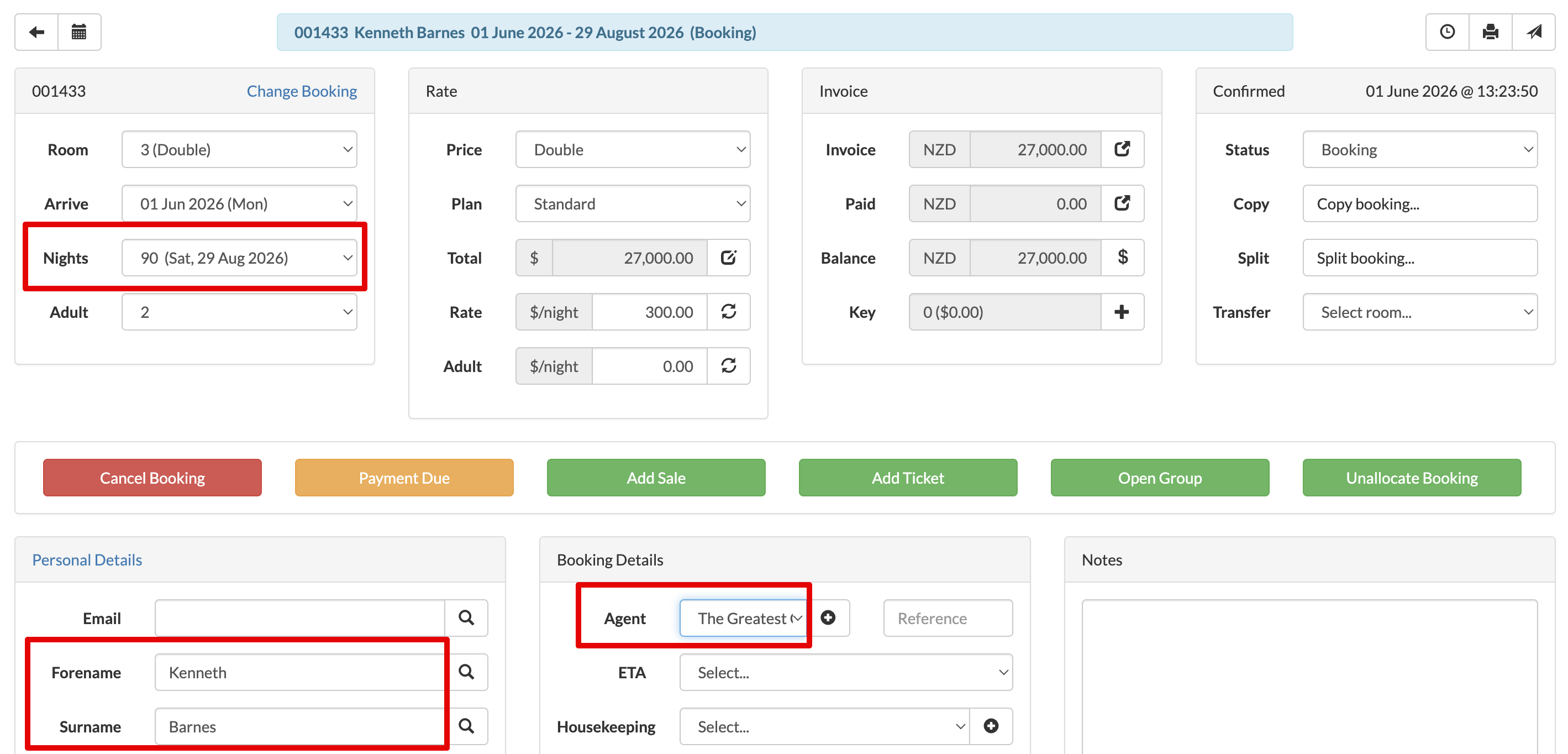
- Ensure the company (Agent) is mapped as a Contact in Settings > Xero > Contact Mapping. (If the company does not already exist in Xero, either manually add in Xero or the contact will be generated on the first invoice upload.)

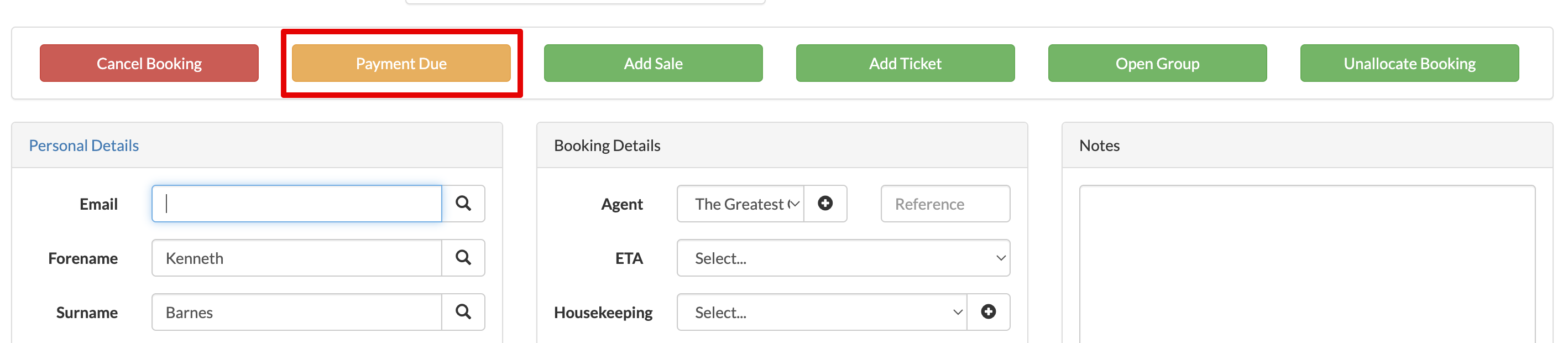
- On the booking, select Payment Due.
- Select Part stay, Pay to 7 nights, select Method = Voucher, check the total and select Confirm.
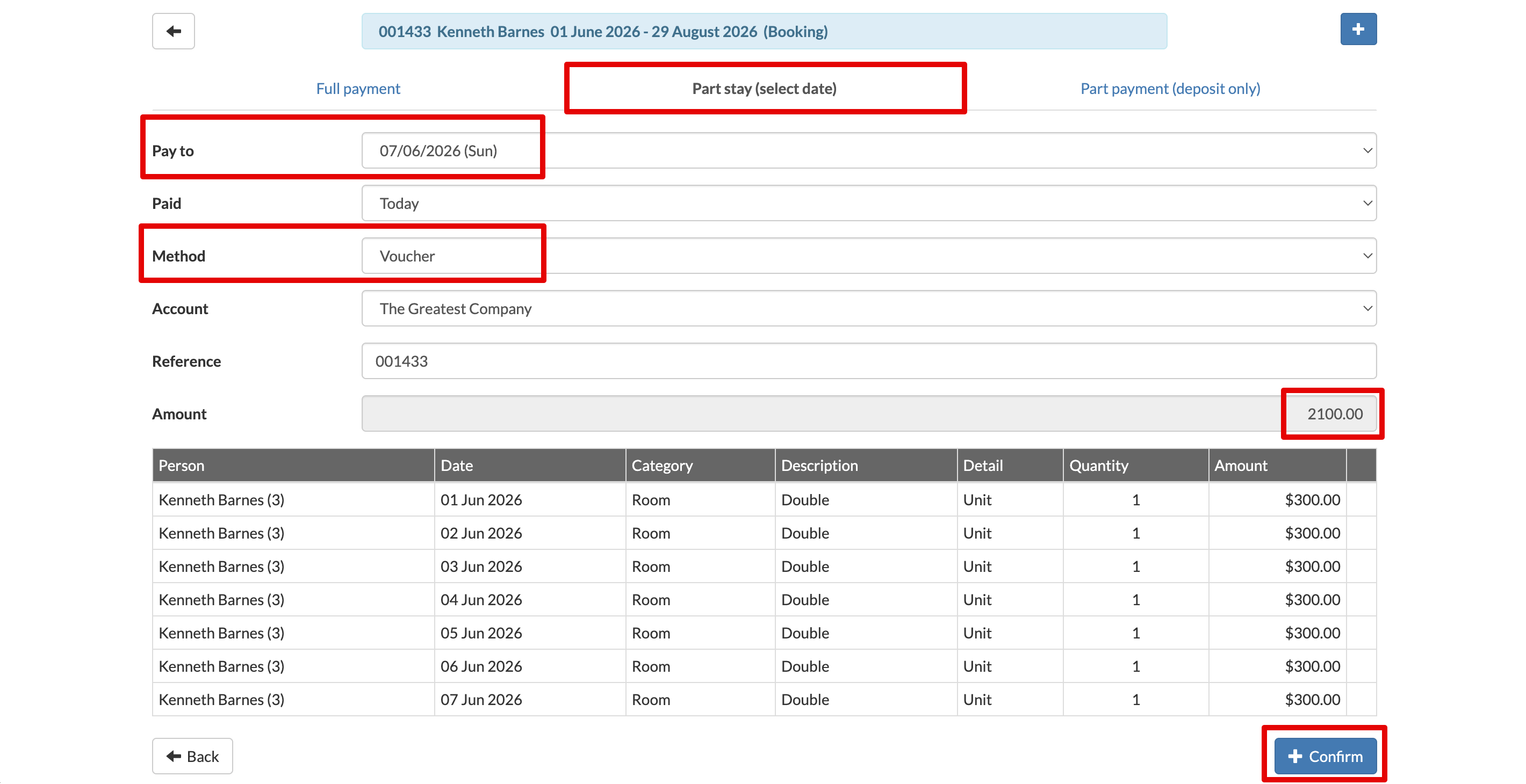
- This would have generated a voucher payment in Abode. When you upload to Xero at the end of the day (Settings > Xero > Upload to Xero) an invoice for that week will be generated.
You can then send the invoice from Xero to be managed from there.
Each week, you can follow step 4 to generate a new invoice for the week.