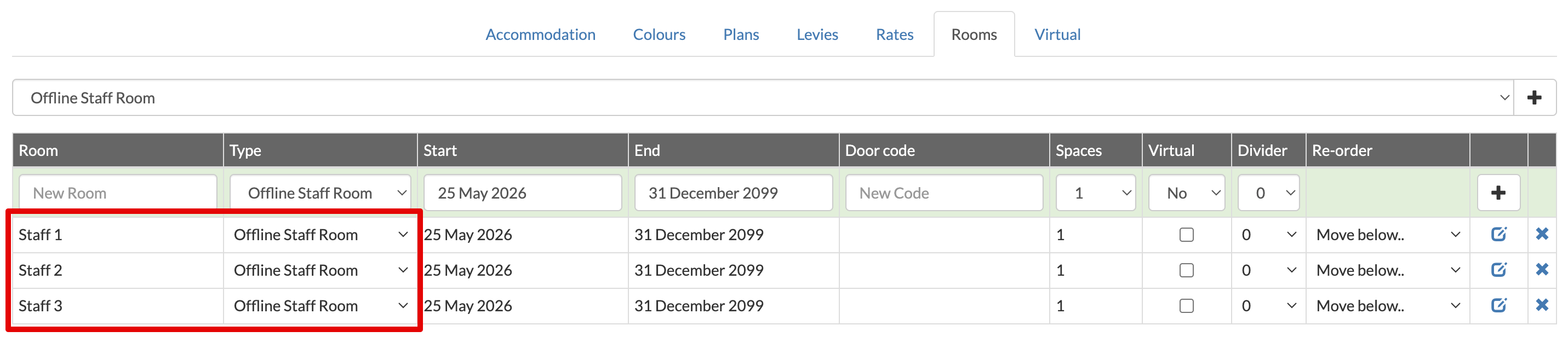
Sometimes you may want to add rooms to your calendar, but not have them available for online booking. This may be for managing staff accommodation, overflow rooms or day visitors.
You can manage this by creating a dedicated room type, and not connecting it to any online channels.
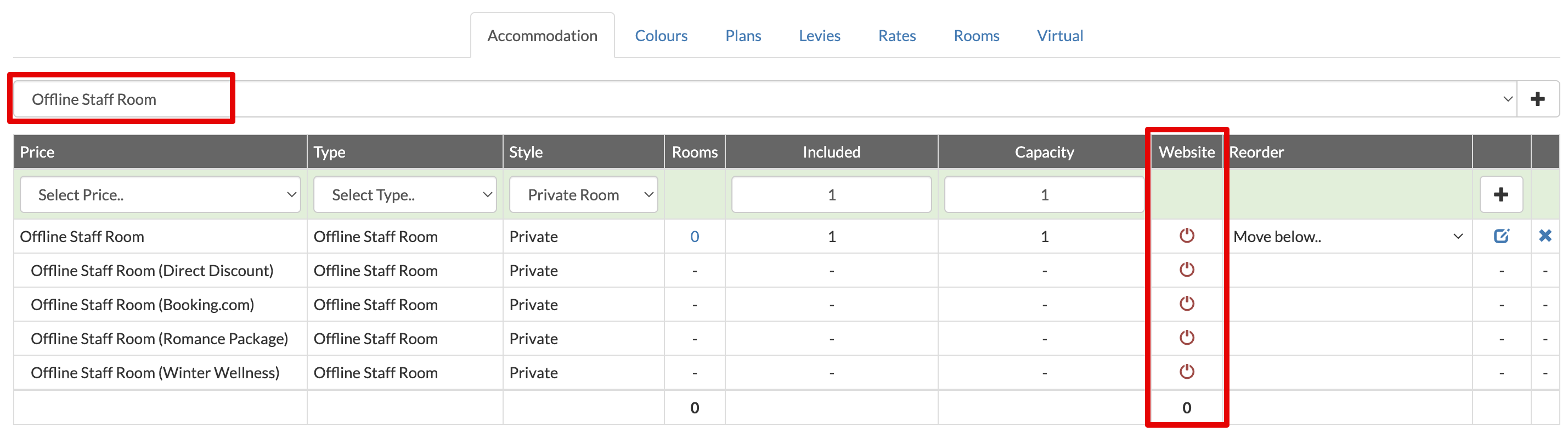
- Select Settings > Accommodation > Accommodation.
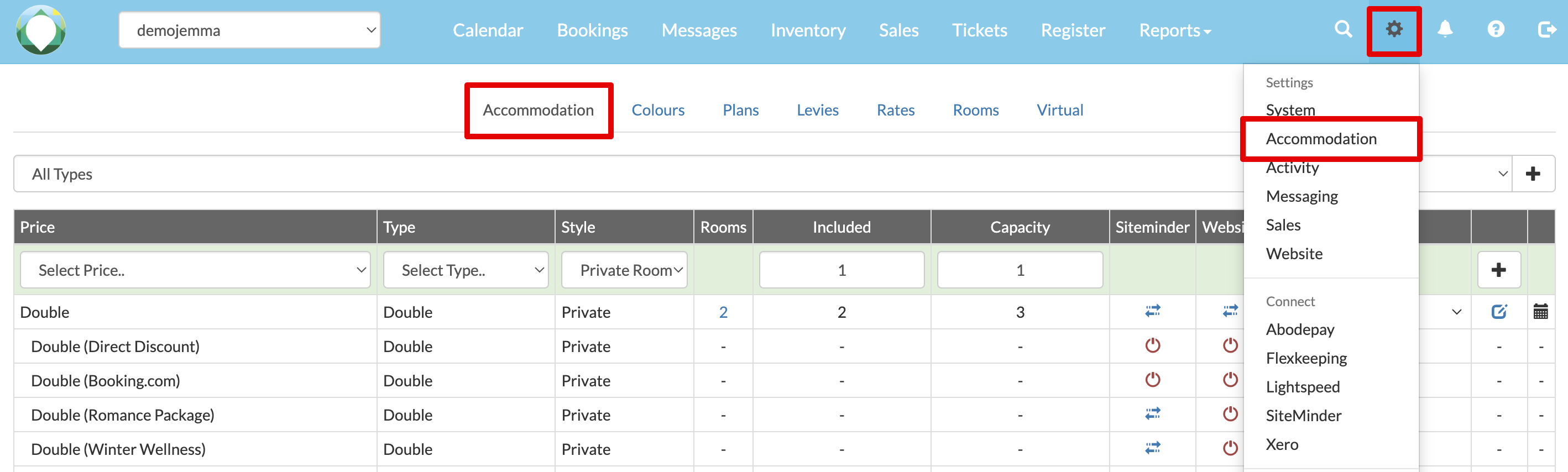
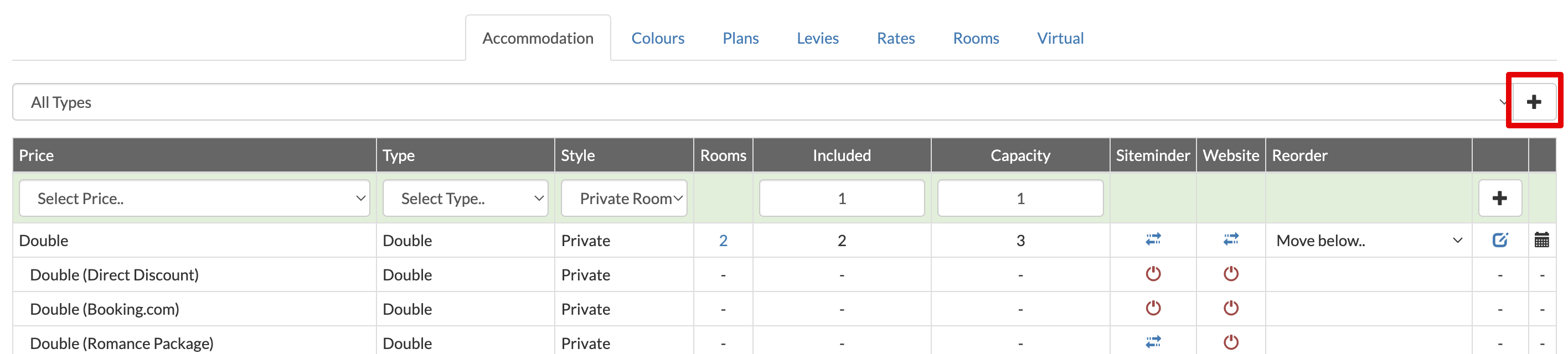
- Select Add to add a new price type.
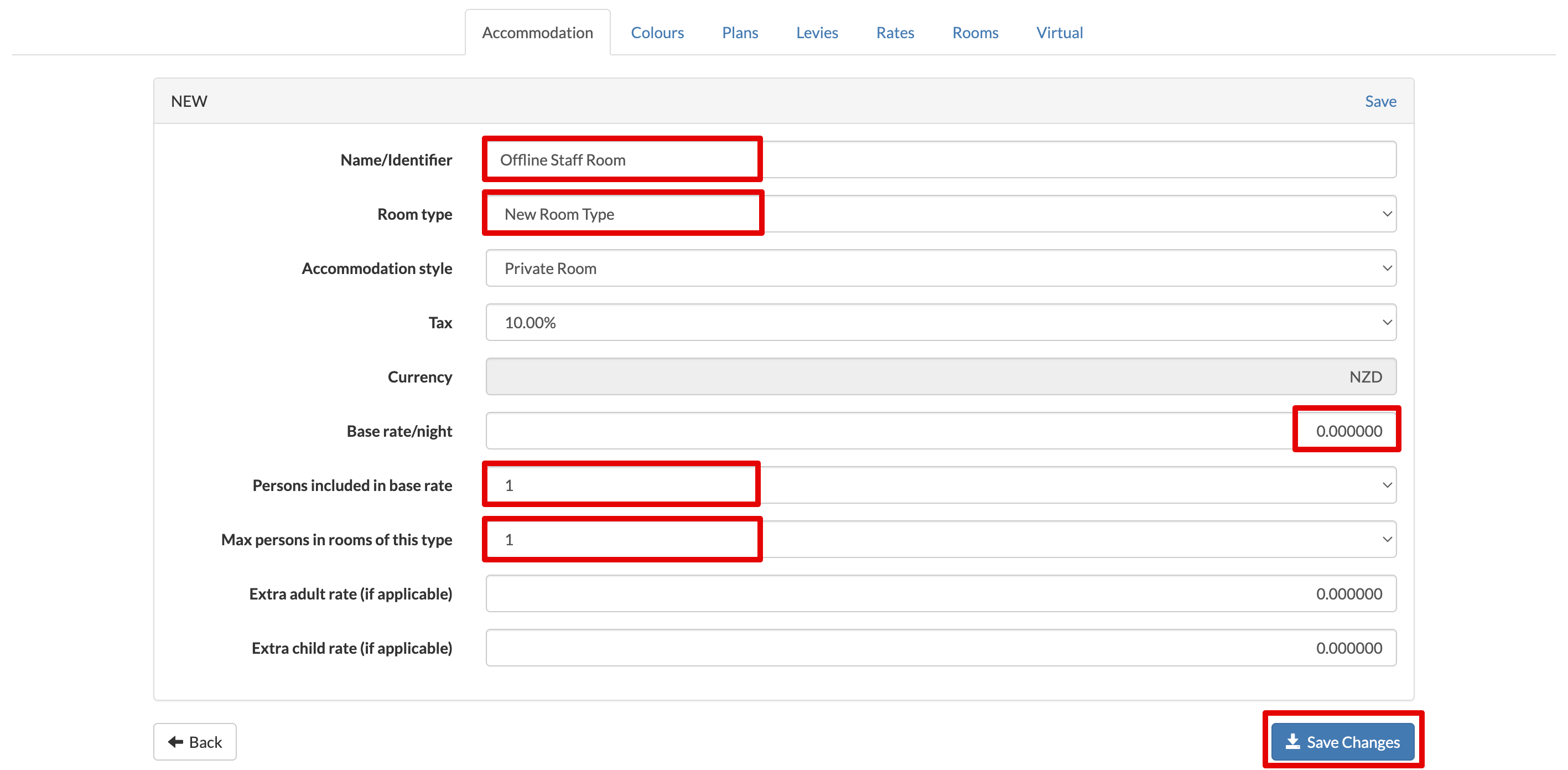
- Create your price/room type. You may want to include 'offline' in the name, or some kind of identifier. It must be a New Room Type. Decide if the type requires a rate and persons included, otherwise just leave as the defaults. Select Save Changes.
- As long as your new price/room type is not connected to a channel manager or website, it will stay offline. (This room type also must not exist on any of your online channels or website.)
- Select Settings > Accommodation > Rooms.
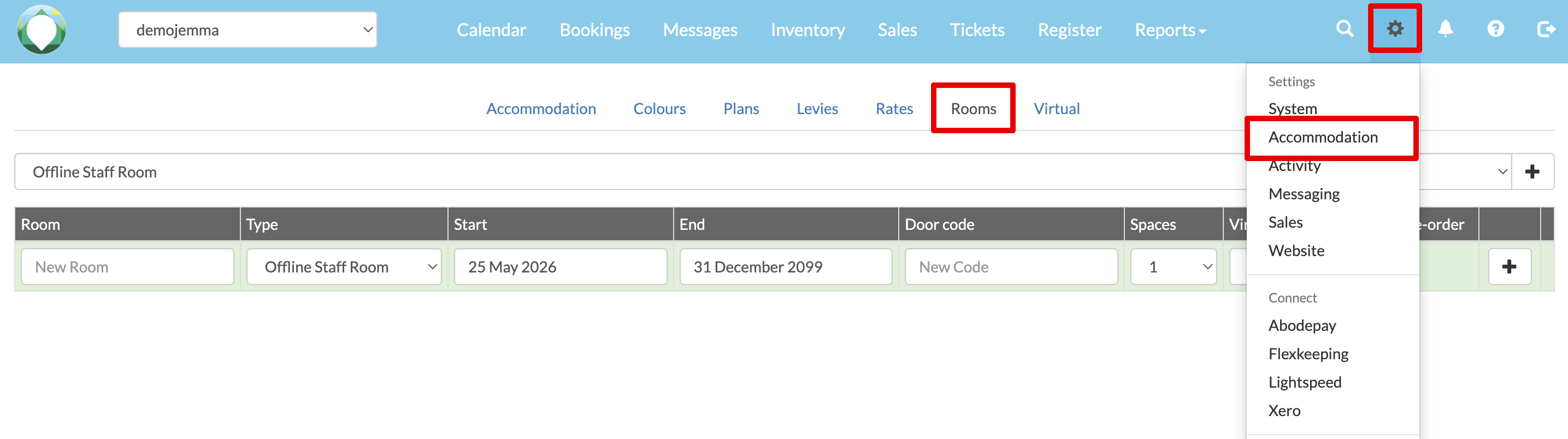
- Add the rooms you would like with the new room type. Enter the Room name/number, add the Type and select Add.