
Abode allows you to add grey 'divider' lines in your calendar grid, so you can choose how to organise your room groups.
- Select Settings > Accommodation > Rooms.
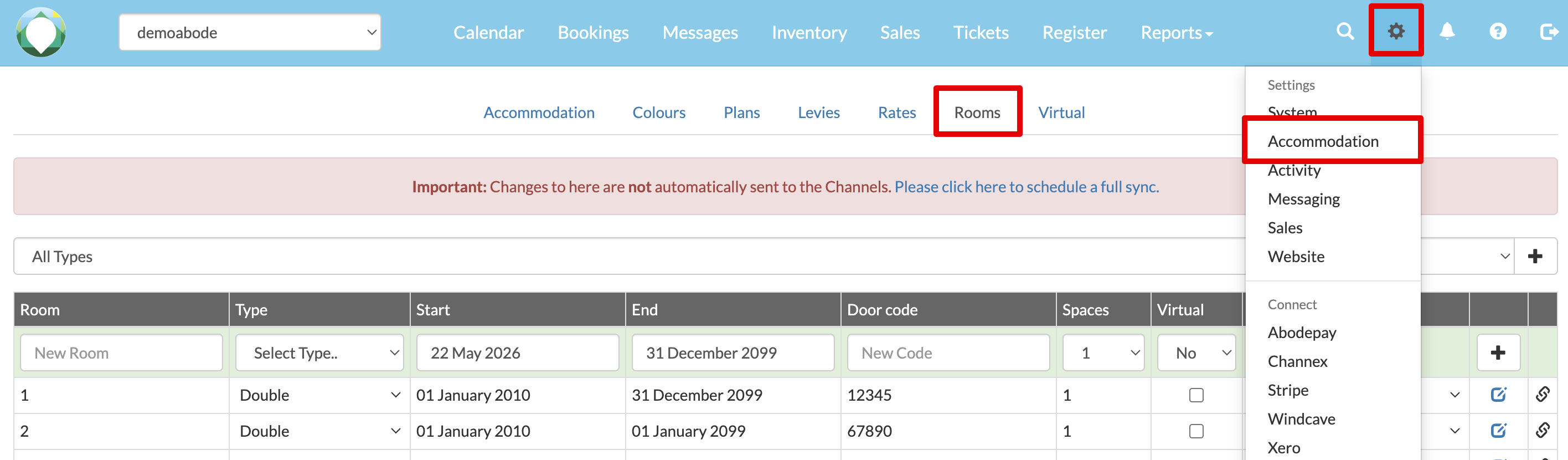
- In the Divider column, select a value. The line will display above that room, and the number corresponds to the thickness of the line. (You can experiment with this.)
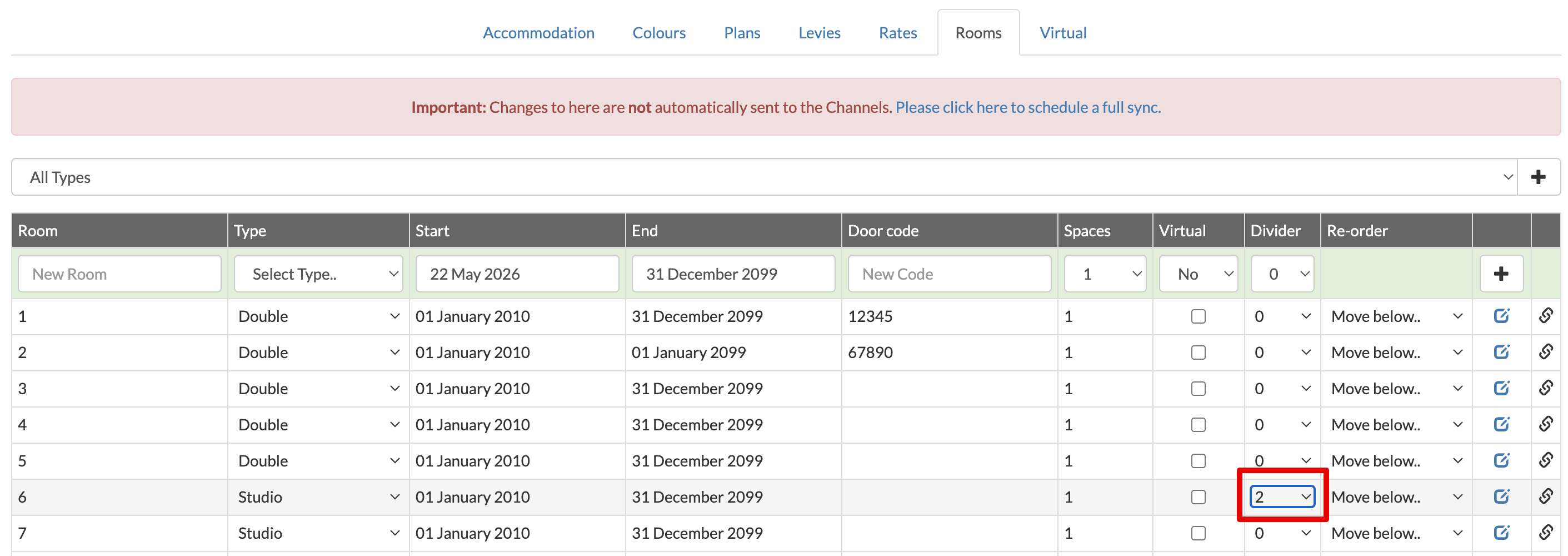
- View the Calendar to check the link is in the right place and the desired thickness.
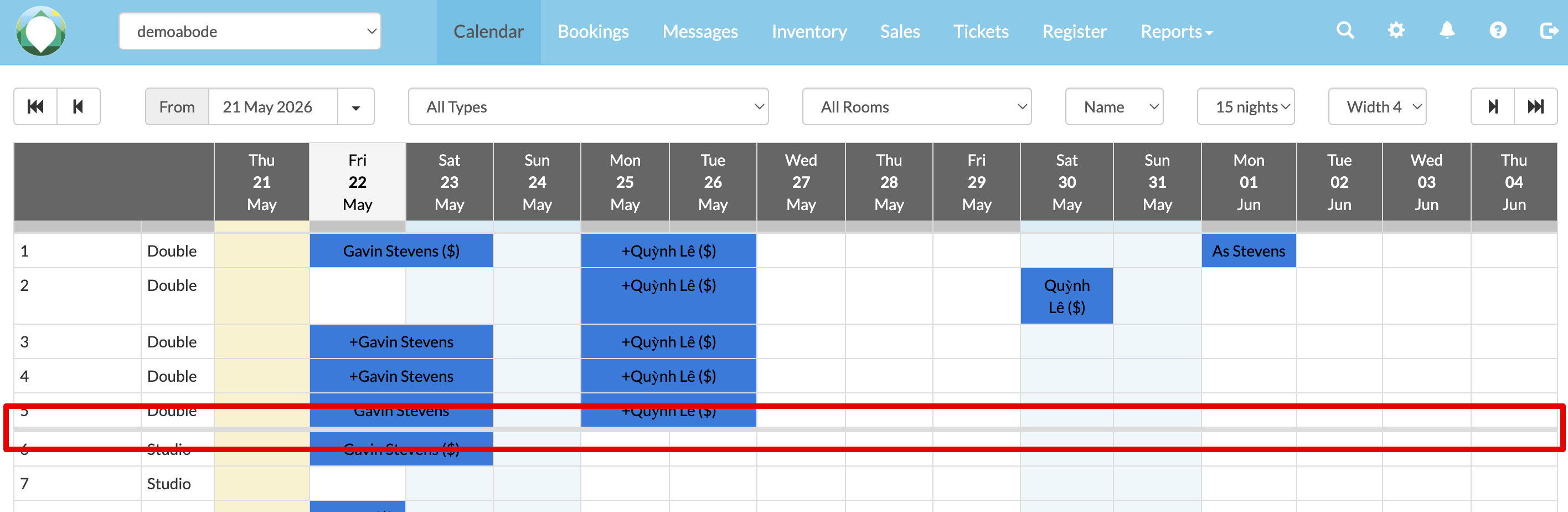
- To remove a divider line, follow the same steps but change the value back to 0 zero.