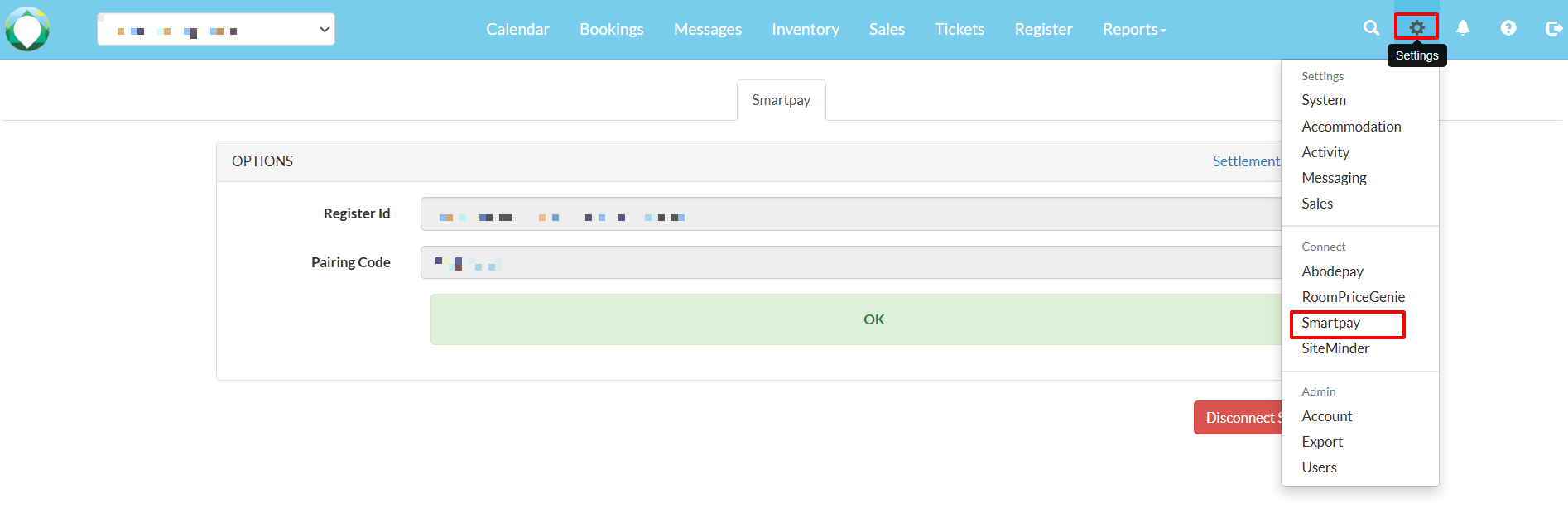
1. Navigate to Settings > SmartPay
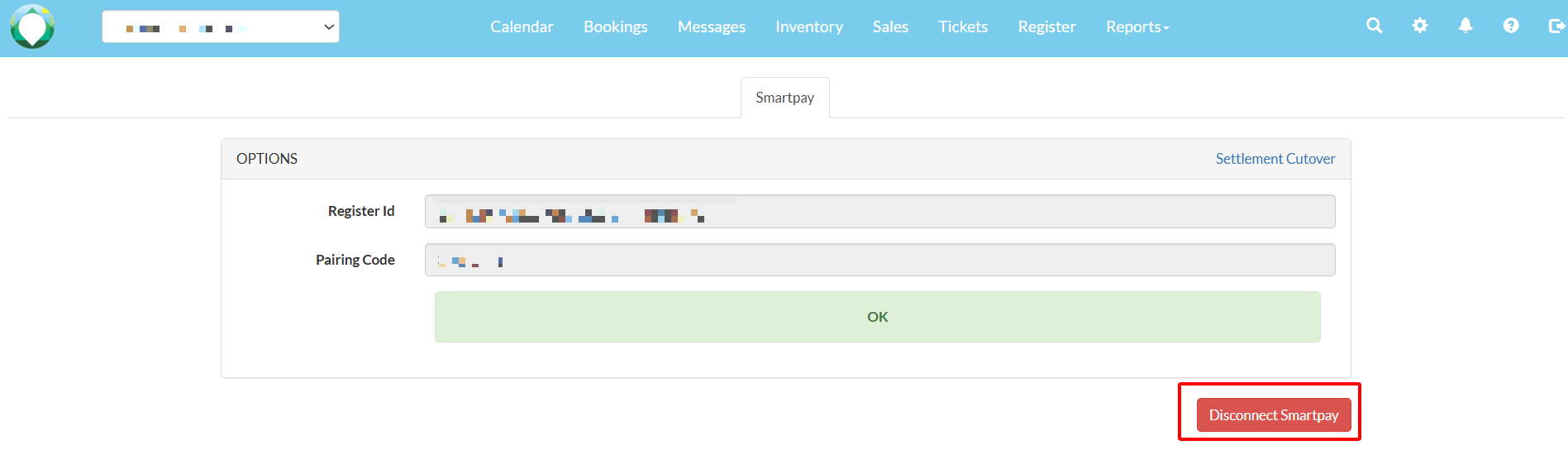
2. Select 'Disconnect Smartpay'.
3. Select 'OK'. Please complete the transaction manually using the Eftpos device.
Note: A guide to your device can be found here: https://www.smartpay.co.nz/guides/

Modified on: Fri, 24 Jul, 2026 at 4:55 PM
1. Navigate to Settings > SmartPay
2. Select 'Disconnect Smartpay'.
3. Select 'OK'. Please complete the transaction manually using the Eftpos device.
Note: A guide to your device can be found here: https://www.smartpay.co.nz/guides/
Did you find it helpful? Yes No
Send feedback