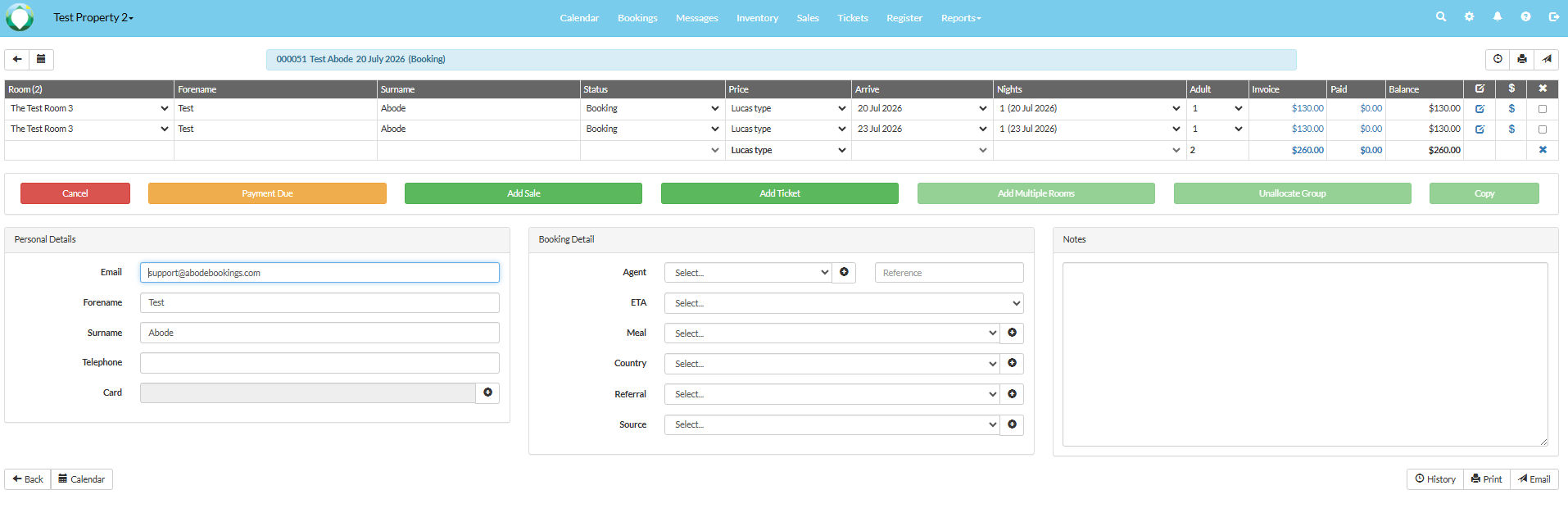
1. Select the first booking in the calendar. 
2. Select 'Copy booking'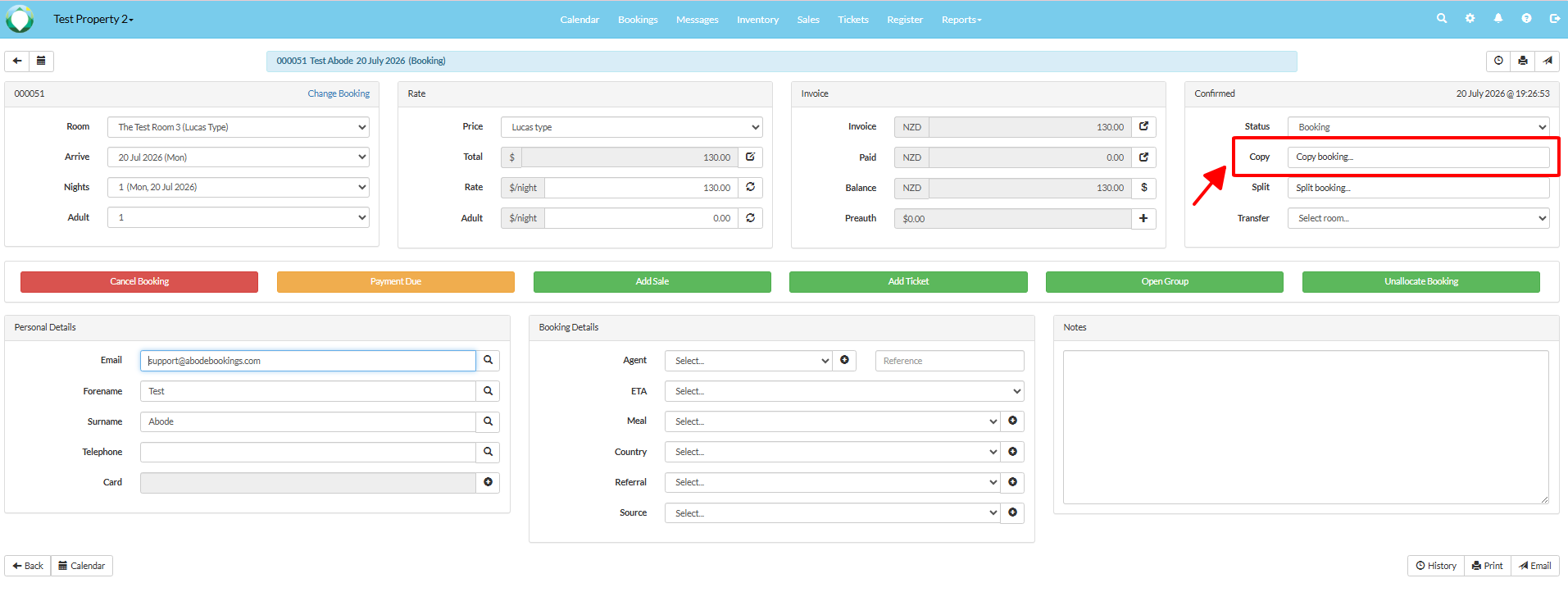
3. Select the options to create the copy booking. Choose if the bookings will create a group, or have their own booking numbers. Select 'Copy booking'.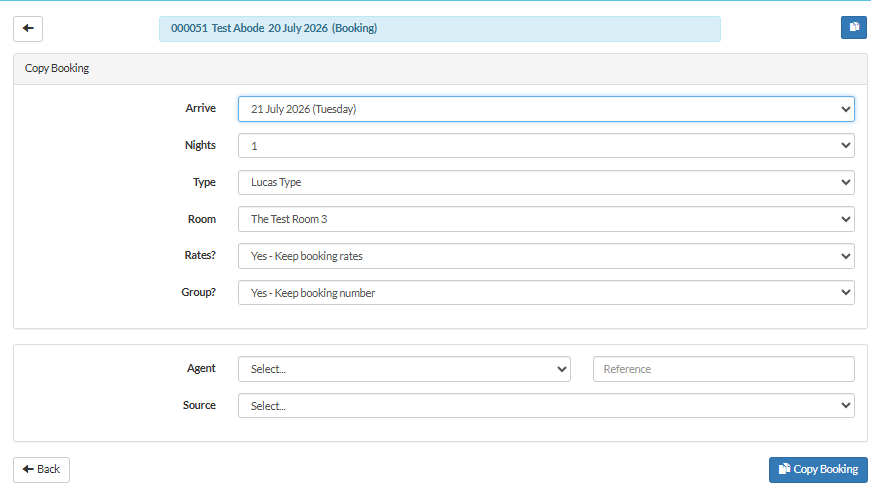
Abode will navigate to the shared management interface for these 2 bookings if you select the option above. Additionally, you can also view it on the Calendar page.