
It's easy to print or email a guest invoice from the guest's Invoice screen. For groups and copy bookings you can use the 'group invoice' feature. Please note groups for copy bookings will only work if the same booking number has been chosen.
- Select the View Invoice button from the booking screen.
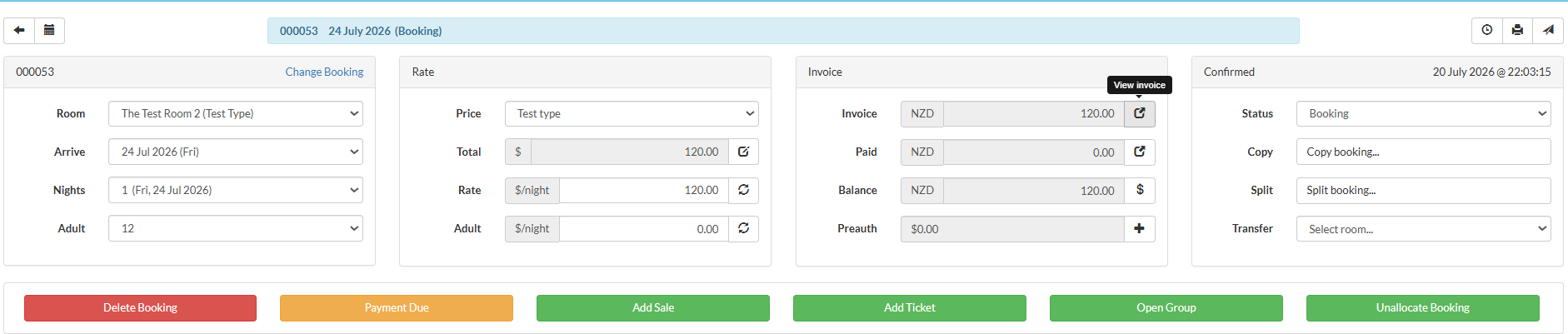
- Select Print/Email from the invoice screen.

- To print/email a Group Invoice select the Invoice total from the group booking.
 Select Print/Email from the invoice screen.